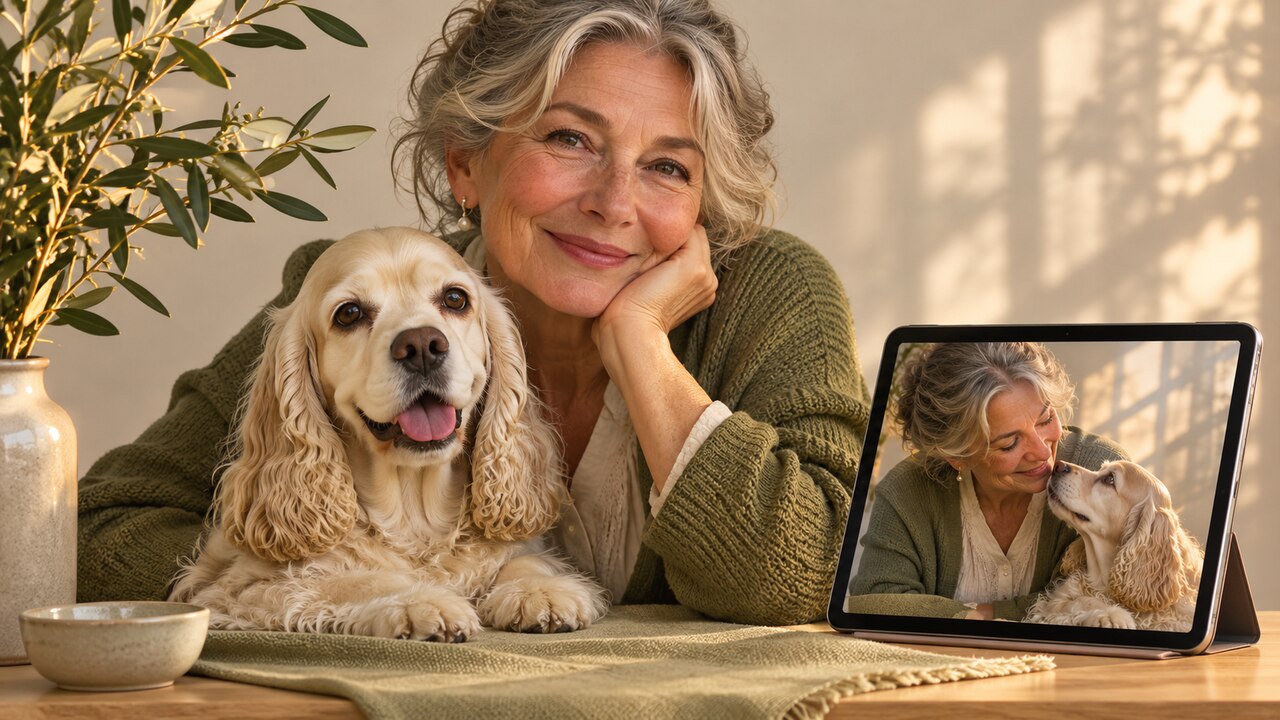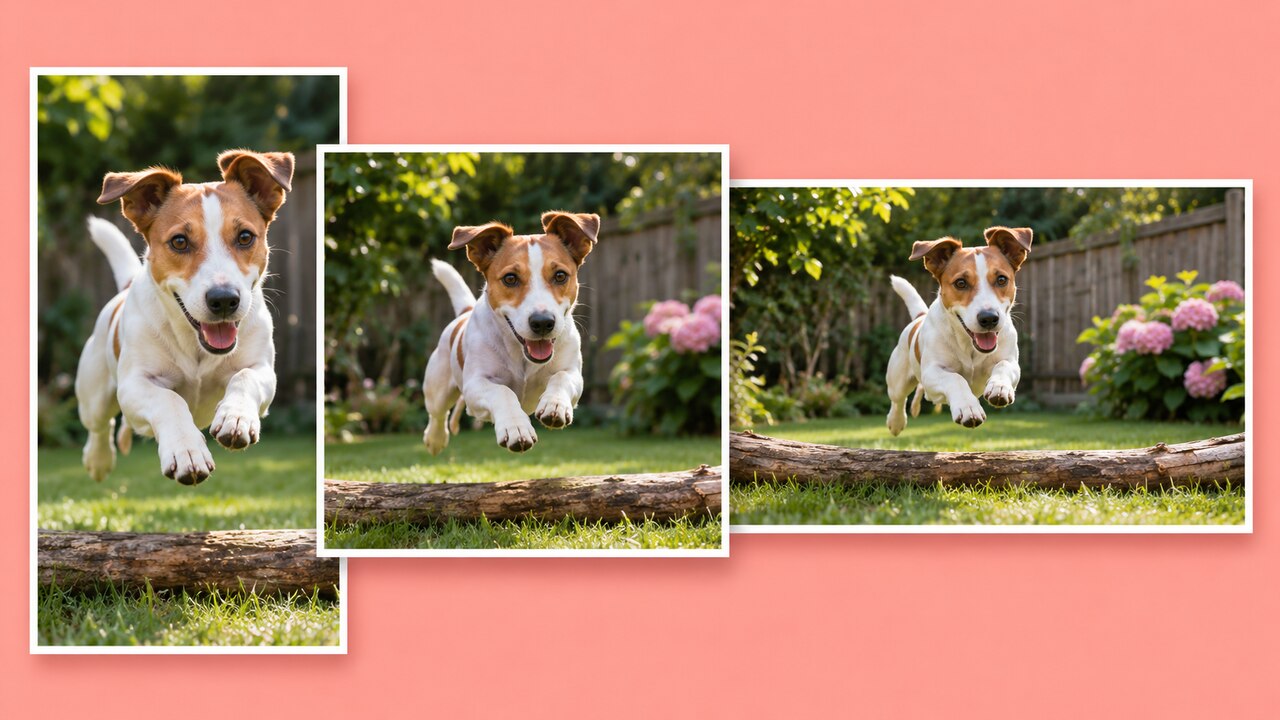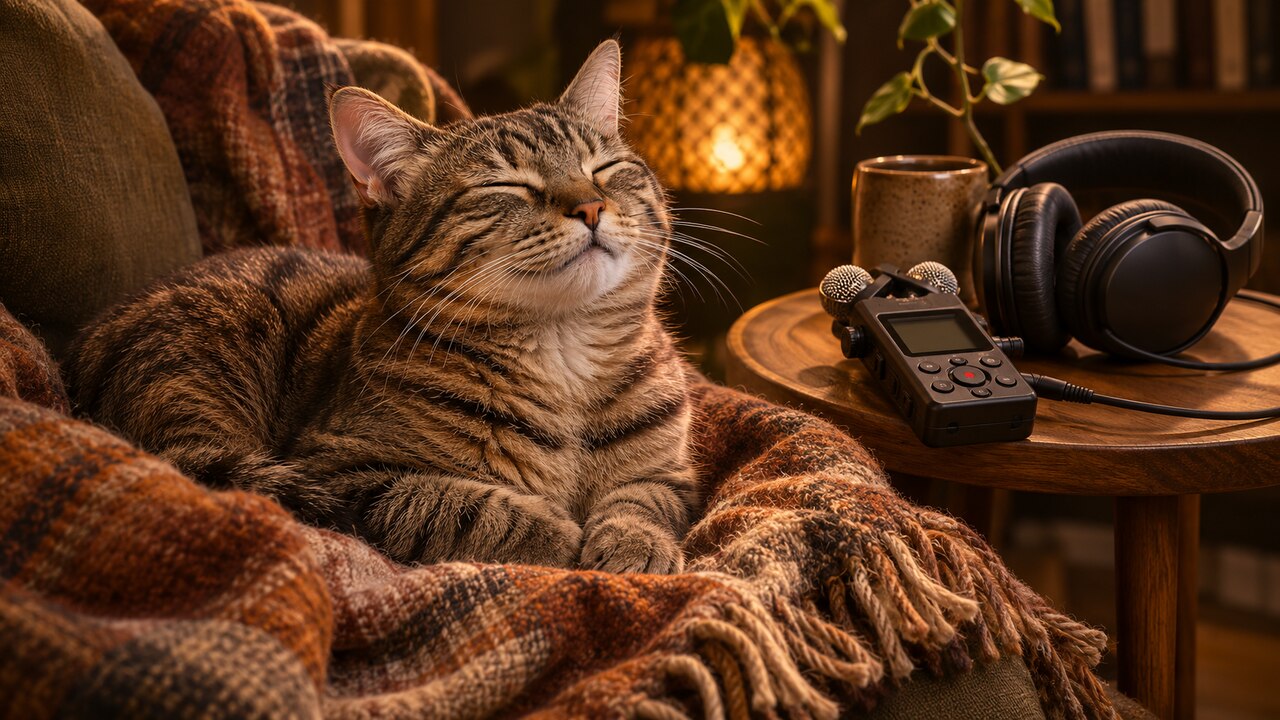
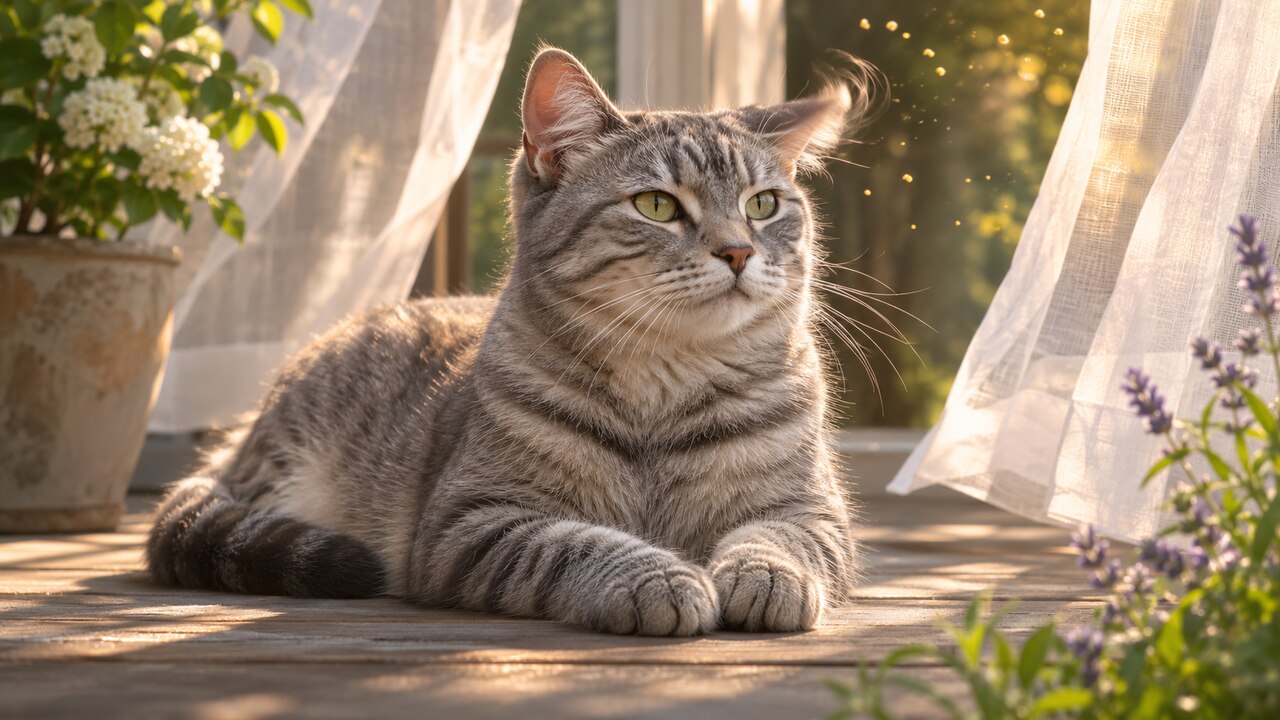
The videos that fool people aren't the ambitious ones. They're the clips where a photo you know breathes — an ear rotates, a tail settles, grass leans in a breeze — and nothing else pretends to happen. Restraint is the entire craft of natural photo animation.
Here are twelve motions that work, roughly ordered from safest to most ambitious, each with a prompt line you can paste. All of them assume you're starting from your photo as the first frame in the video generator.
The head and face (safest wins)
- 1. The slow blink. Cats and dogs both do it; readers of it will recognize the trust signal. "The pet slowly blinks once, eyes softening, everything else still."
- 2. The ear turn. One ear rotates toward a sound. "The left ear turns slightly toward the camera, head stays still."
- 3. The head tilt. The classic. "The pet tilts its head gently to one side, curious, ears up."
- 4. The gaze shift. Eyes track something off-frame. "The pet's eyes follow something moving just out of frame; the head follows slightly."
The body (small and physical)
- 5. The breathing settle. The most underrated motion in the list — visible breath is life. "The pet's chest rises and falls gently with slow breathing, fur moving slightly."
- 6. The tail. Species-appropriate: a slow wag, a tip-flick, a curl. "The tail sways slowly, fur rippling."
- 7. The stretch. Works from a lying-down start frame. "The pet stretches its front paws forward, back arching slightly, then settles."
- 8. The lean. A standing pet shifts weight. "The pet leans its weight onto one side, relaxed."
The world around them (atmosphere)
- 9. Breeze through fur. The environment moves, not the animal. "A gentle breeze moves through the fur and the grass, the pet stays still."
- 10. Light change. Clouds pass; the light warms. "Sunlight slowly breaks through clouds, warm light moving across the scene."
- 11. Dust and floating particles. "Fine dust drifts through a sunbeam in front of the pet."
- 12. The slow push-in. The only camera move on the list, because it's the only one that stays believable. "Very slow, subtle camera push-in; the pet stays still."
What breaks the illusion
- Two big motions at once. Head turn + tail wag + camera pan = a circus. One idea per clip.
- Walking and running. Locomotion from a still start frame is where models produce their most famous anatomy mistakes. If you need a walking shot, end on the first step rather than starting mid-stride.
- Fast camera moves. Sweeps and orbits scream "generated". The push-in above is the ceiling.
- Asking the markings to hold while everything moves. Big motion gives the model more room to drift — another reason markings discipline matters more as motion grows.
Adding sound
On the live Seedance 2 models, audio arrives with the picture by default — one line of prompt covers it: a purr, a soft woof, birdsong, wind. The pairing of a small motion with a matching small sound (breeze + rustle, blink + quiet chirp) is what finally makes a clip feel filmed. Details in the sound guide.
Frequently asked questions
Which of the twelve should I try first?
The breathing settle (5) or the slow blink (1). Both are small, physical, and nearly impossible to get wrong — ideal for your first run while you learn how the model reads your prompt.
Can I combine ideas?
One motion idea plus one atmosphere idea is the safe formula — a head tilt with drifting dust, a tail sway with a breeze. Two body motions together is where naturalness ends.
How long should the clip be?
Five seconds suits nearly every idea here; ten suits the slower ones (light change, stretch). The generator quotes per second, so shorter is also cheaper — draft short, extend only what works.