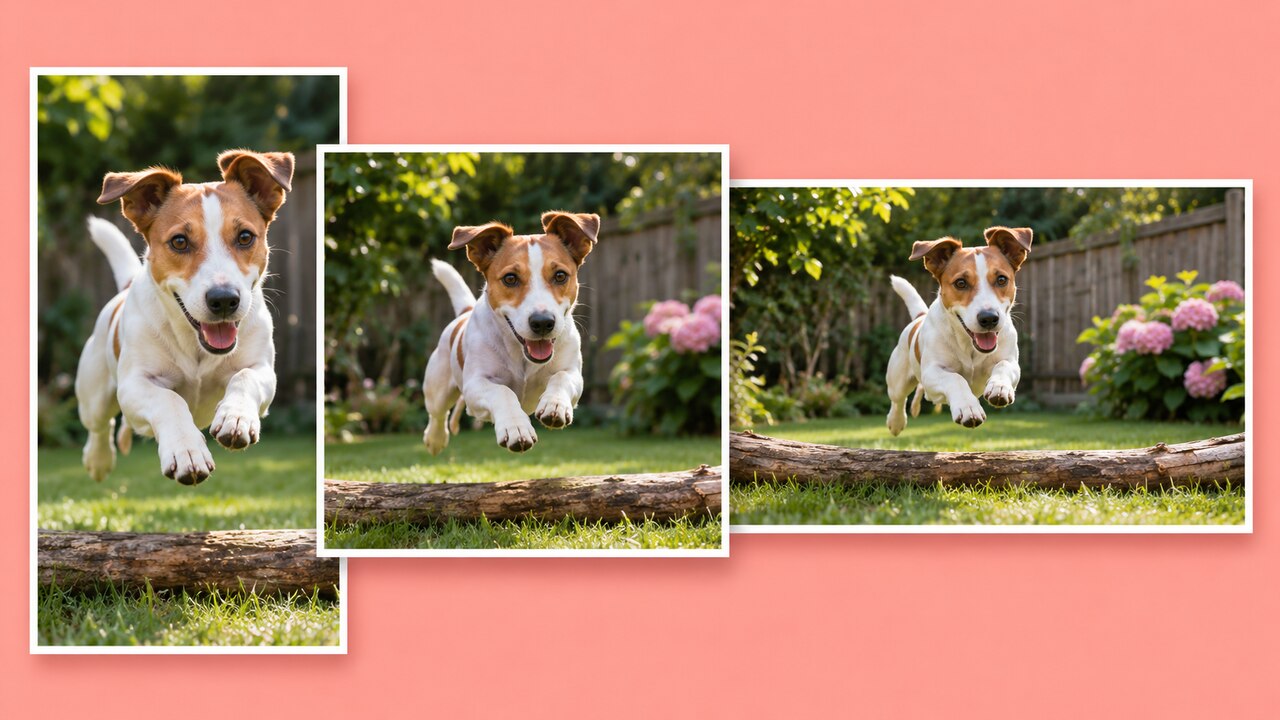

A silent video of a cat blinking is a GIF. The same clip with a soft purr, distant birdsong and the faint rustle of a blanket is a moment. Sound is not a garnish on pet clips — it's half the illusion, and on the live Seedance 2 models it comes free with the picture: native audio is generated together with the video, on by default, already in sync with the motion.
This guide is the practical version: what to write, how to steer, and when to opt out.
Write the sound into the prompt
The soundtrack follows your prompt the same way the picture does, so describe both in one place. A pattern that works:
"The cat slowly blinks and settles; ambient sound: a quiet purr, soft bird song outside, the faint hum of the room."
Three sound layers are worth naming deliberately:
- The subject's sound — purr, woof, chirp, the shake of a collar tag. Tie it to the motion: if the tail wags, the tag jingles.
- The ambience — birdsong, street noise, rain on a window, a ticking clock. Ambience is what makes a clip feel like a place.
- The music, if any — name a feel, not a track: "a soft acoustic guitar bed, slow". For five-second clips, often best left out.
Specific beats vague here more than anywhere else in prompting: "a single soft woof" lands; "nice sounds" gives you whatever the model had lying around.
Steer it with reference audio
The live Seedance 2 models accept up to three reference audio tracks — a recording that guides the voice, rhythm or mood of the generated sound. For pet clips the honest use cases are narrow but real:
- Your pet's actual voice. A clean phone recording of your dog's bark or your cat's meow, used as a reference, pulls the generated sound toward the real one.
- A rhythm or mood for a montage piece — a drum pattern, a lullaby hum.
When to switch audio off
- You'll add your own voiceover or licensed music — render the picture alone and lay your track over it in any editor.
- The clip is a B-roll shot in a longer piece with one continuous soundtrack.
The off switch is right there in the generator; the picture doesn't change, only the silence.
What native audio can't promise
Honesty section, same rules as portrait likeness: the model registers native audio as a capability, not as a menu. A sound you name usually appears; an exact bark reproduced from a reference isn't guaranteed. Listen to each take — if one cue must be precise (a specific word, a specific meow), record it yourself and add it after. And since clips render with sound on the live models, check the mix, not just the picture, before calling a take final.
The cost question
There isn't one: on the Seedance 2 models the per-second credit quote covers the clip, audio included — no separate sound charge. The quote is shown before every run, per the cost guide's rules.
Frequently asked questions
Which models generate audio today?
The live Seedance 2 models — Seedance 2, 2 Fast and 2 Mini — all with native audio on by default. Seedance 2.5, Veo 3.1 and MiniMax H3 are registered with audio capabilities but not yet generatable; the audio capability table follows the live catalog automatically.
Can I get my pet's exact bark?
Use a clean recording as a reference audio track and the result will lean toward it, but "exact" isn't a promise any native-audio model makes. For an exact sound: switch audio off, record the real thing, add it in editing — ten minutes of work, zero credits of risk.
Music or no music for a five-second clip?
Usually none. Five seconds of ambience and one subject sound reads as filmed; five seconds of music reads as a slideshow. Music starts earning its place at ten seconds and up.