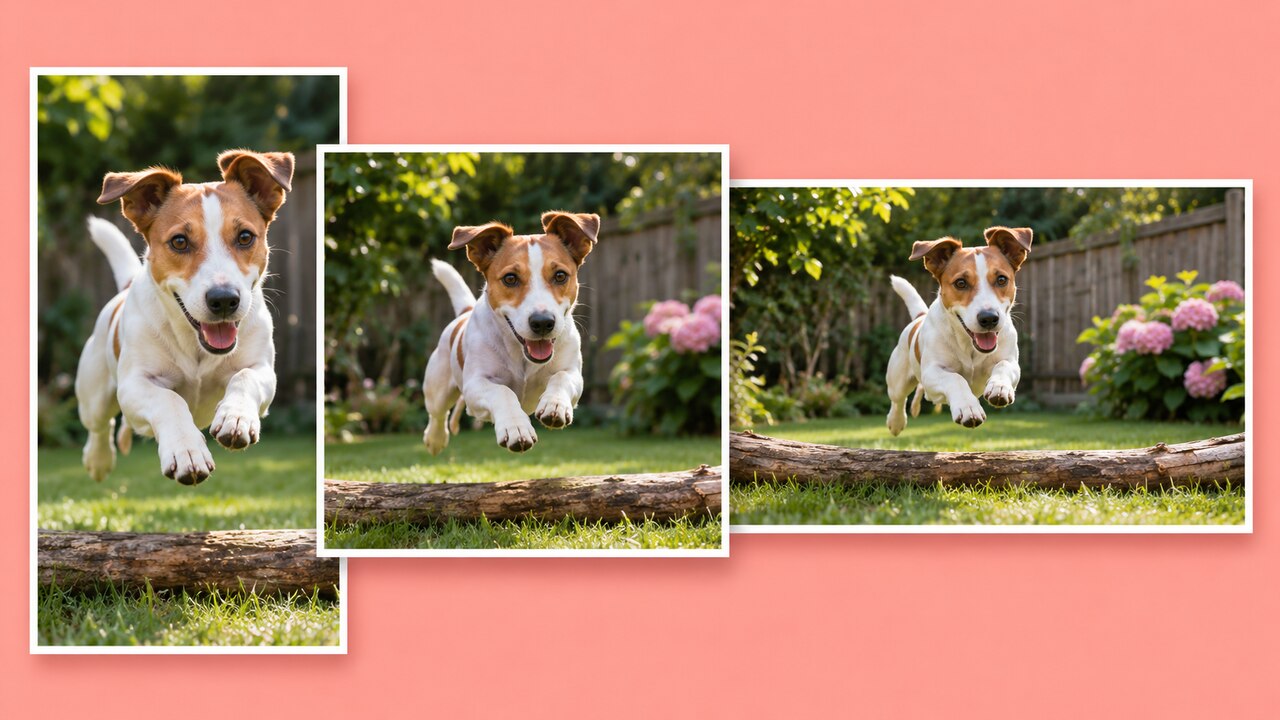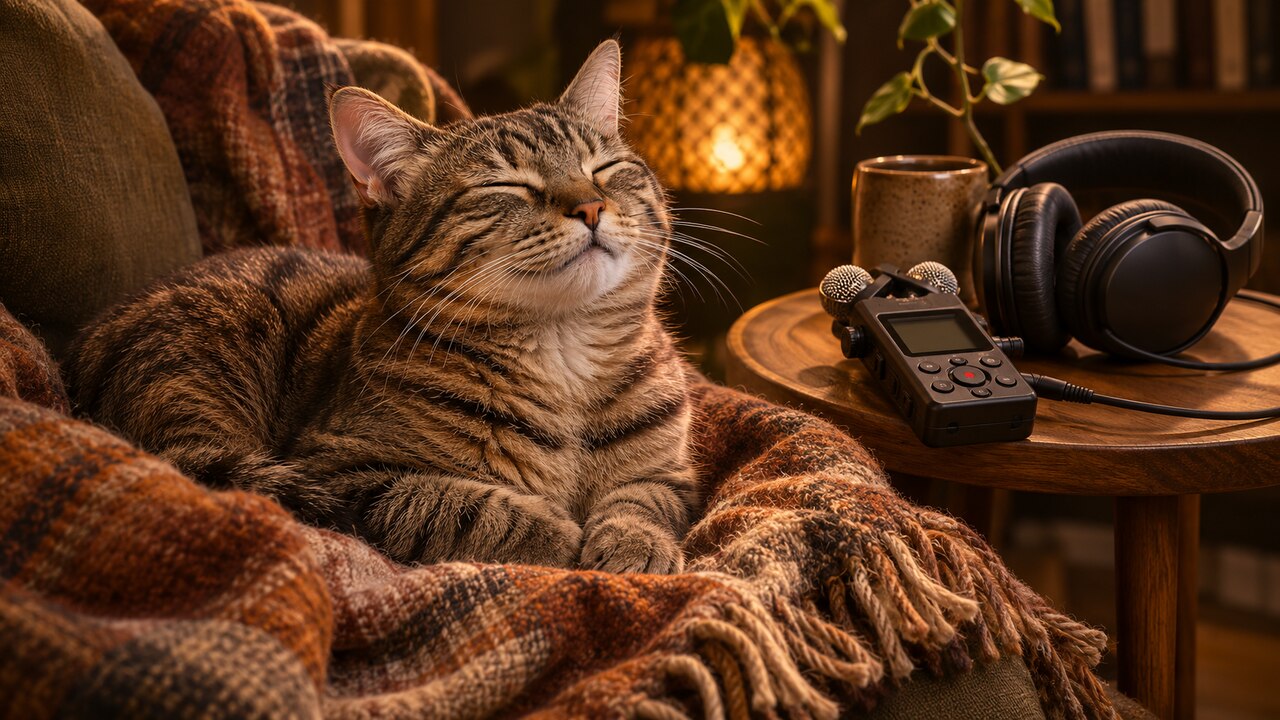
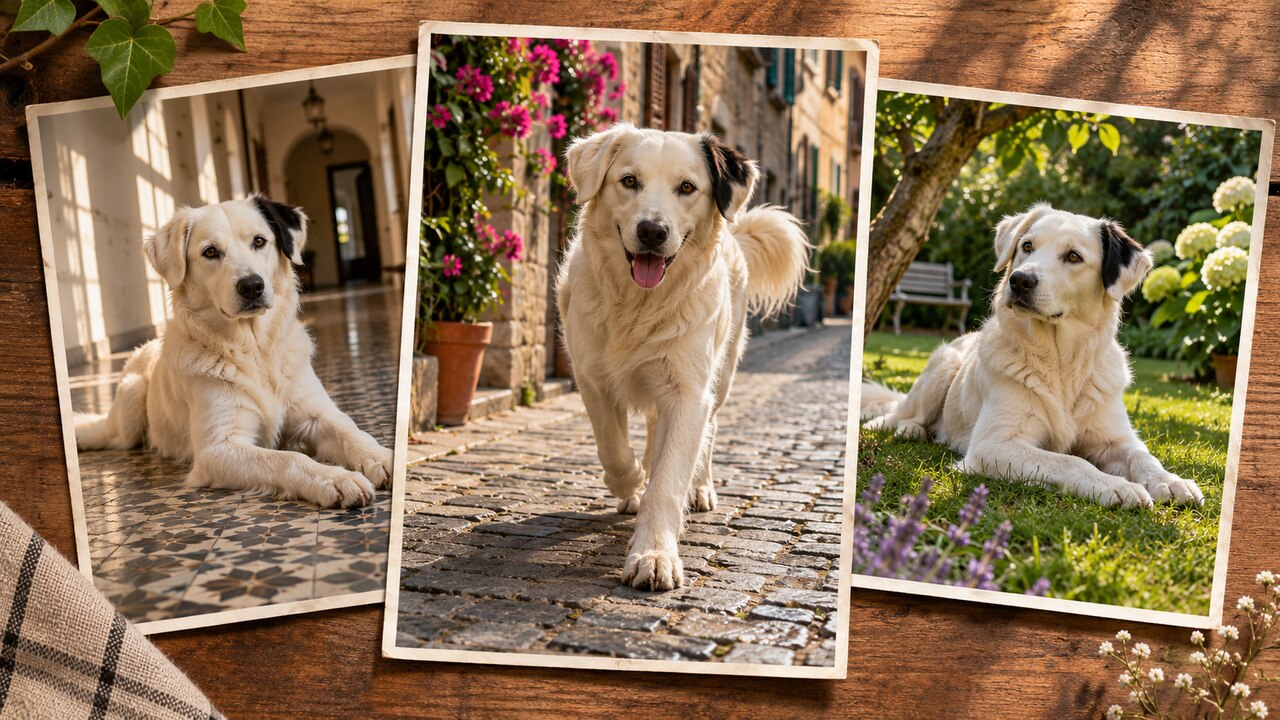
"Character consistency" entered the mainstream vocabulary when Sora 2 did: the ability to generate the same character, recognizably the same, across multiple shots and scenes. For filmmakers it's the hard problem of the field. For pet owners, the honest secret is that your half of the problem is much easier — and this guide shows the method that solves it with the tools live today.
Status note, plainly: Sora 2 has been discontinued on PetAndMe. The live models are the Seedance 2 family, and the consistency method below is exactly how they're designed to be used.
Why pets are the easy half
Human character consistency has to hold a face — the thing human vision is most sensitive to, where a millimeter of proportion reads as a different person. Pet identity mostly lives in markings and build: the blaze, the socks, the patch over one eye, the length of the coat, the proportions of the body. Shapes and patterns, not millimeters.
Shapes are what generative models reproduce most reliably — when they're told. That's why a well-prompted pet holds identity across scenes better than almost any human subject. The method is the telling.
The three-layer method
- Layer one: the reference set. A full-body side-on photo that shows the complete markings map, a face close-up, a detail shot of the most distinctive marking. The reference guide covers the bar each photo needs to clear.
- Layer two: the identity sentence. The markings, written into every prompt, verbatim: "black and white tuxedo cat — white blaze from nose to forehead, white chest and belly, white socks on all four paws, black tail with white tip." Same words in every run of a series. The markings guide shows the precise wording rules.
- Layer three: the anchor image. For video, don't regenerate identity from scratch each time — render the still until it passes the markings check, then use that approved image as the start frame. The clip opens on identity you've verified; consistency stops being a hope and becomes a fact. This is the first-frame technique at the heart of photo-to-video.
Layer three is the one Sora 2's fame obscured: for a pet owner, the most reliable consistency tool isn't a smarter model — it's refusing to re-roll identity when you've already got it right.
Consistency across a series
Want a holiday card, a birthday version and a rainy-Tuesday version of the same two of you? Keep layers one and two identical, change only the scene. Each result will be a sibling of the others — recognizably the same pet and person, never pixel-identical. For faces that's the honest expectation (see the expectations guide); for markings it's close to a guarantee.
The deeper dive
We keep a full page on this practice — references, prompt anchors and the video handoff — at character consistency for images and video.
Frequently asked questions
Why was Sora 2 discontinued here?
Model lineups change as providers and pricing change; the live catalog is the source of truth, and it currently lists the Seedance 2 family. The consistency method in this guide doesn't depend on any one model.
Two pets look alike — how do I keep them distinct?
Separate reference sets, never a combined dump, and prompts that name the difference ("the older one has the white tail tip"). Generate them together only after each is recognizable alone.
Does consistency work in video as well as in stills?
Better, if you use the anchor-image method: the still is verified before the clip exists, so the video inherits identity instead of gambling on it. Small motions keep it — big motion is where drift gets room.