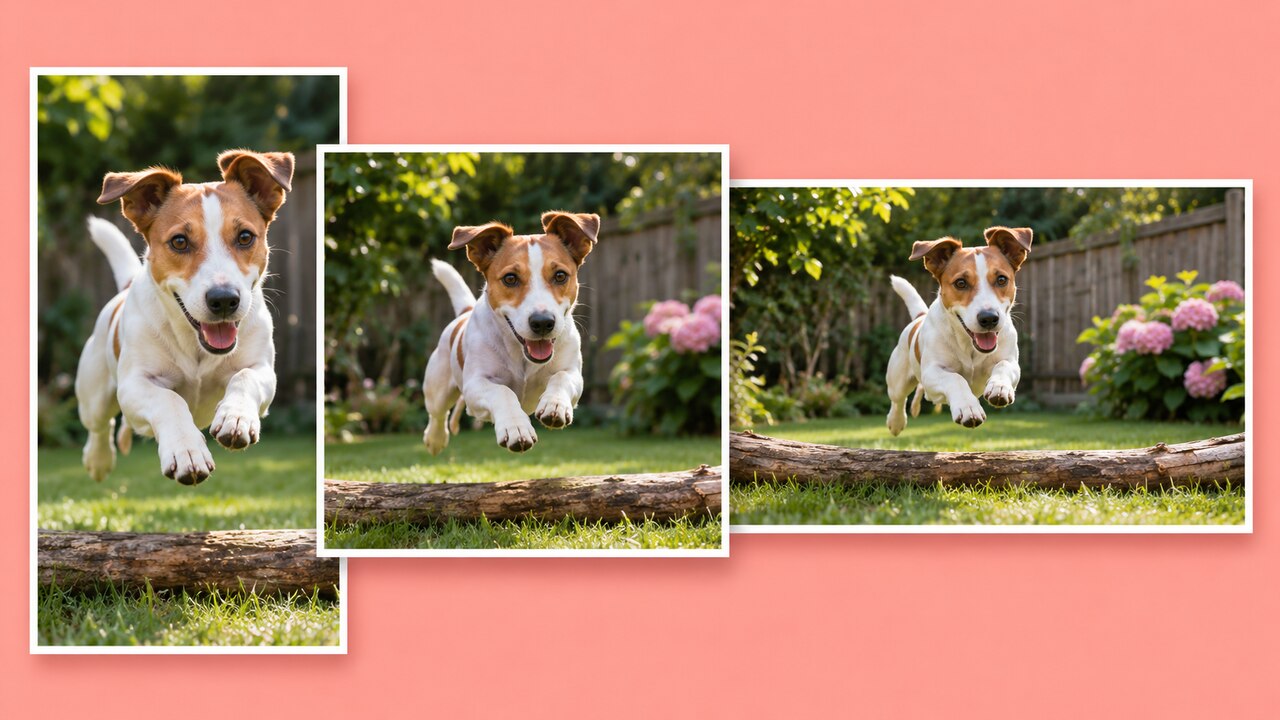
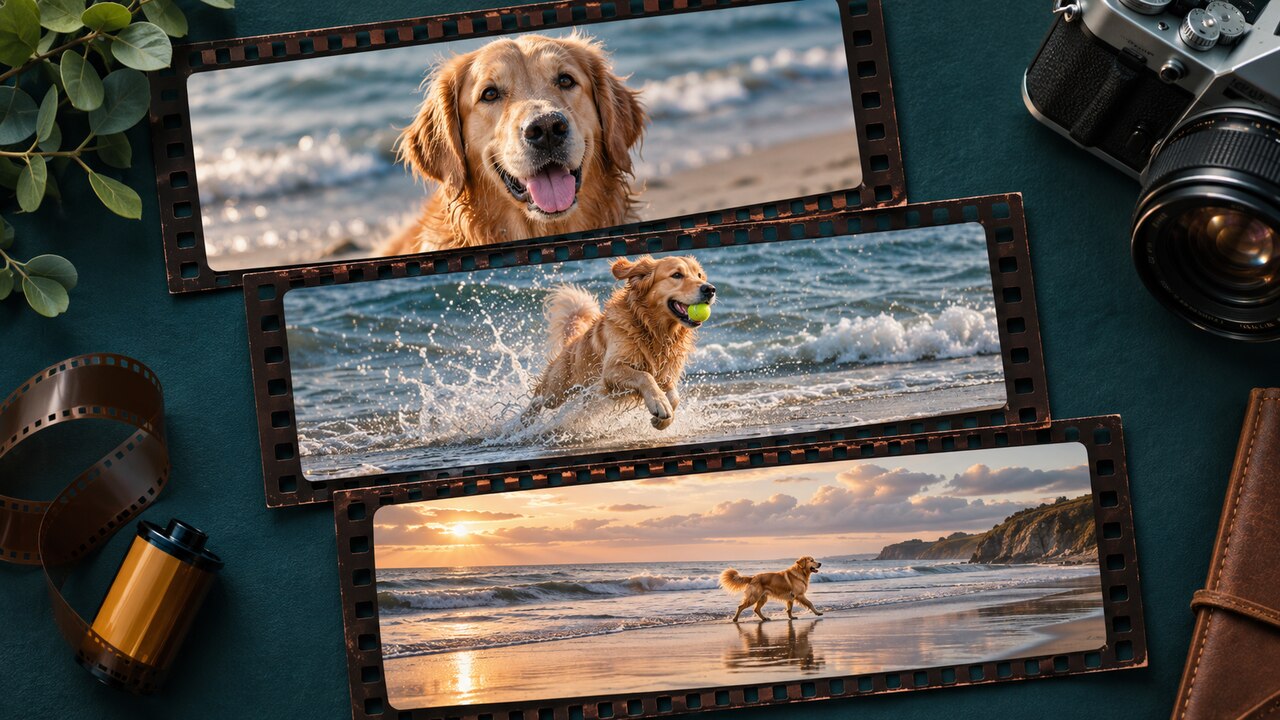
"Which model should I pick?" is the first question every pet-video beginner asks, and the honest answer is boring: today, on PetAndMe, the choice is between three members of the same family — Seedance 2, Seedance 2 Fast and Seedance 2 Mini — and they're not really competitors. Each has a job.
Here's the plain comparison, with the same information the video generator shows you. Models that are registered but not yet live are listed at the end, honestly marked.
The three live models, side by side
All three share the abilities that matter for pet clips: native audio on by default, a start frame you supply, an optional end frame for transitions, and per-second credit quotes shown before you run.
- Seedance 2 — the flagship. Renders up to 4K at 480p/720p/1080p/4K, clips of 5, 6, 8, 10, 12 or 15 seconds. This is the keeper renderer: when the motion is right and you want the final version, it's here. Baseline per-second cost of the family.
- Seedance 2 Fast — the draft loop. Up to 720p, the same clip lengths, the same frame and audio controls. Roughly 55% of Seedance 2's per-second rate at 720p (estimated). Its whole purpose is testing motion cheaply before the final render.
- Seedance 2 Mini — the batch tool. Up to 720p, and any length from 4 to 15 seconds — the only one that can run the odd lengths (7s, 9s, 13s). About 50% of Seedance 2's rate at 720p (estimated). Best when you're making several clips — one per pet, one per template — or need a length Fast can't hit.
So which one for a pet clip?
The workflow that wastes the fewest credits:
- Draft in Fast at 720p with your photo as the start frame. You're testing one thing — the motion — and 720p is plenty to judge it.
- Check identity against the photo (markings, build) before spending anything more — the markings guide applies to video first frames too.
- Render the keeper in Seedance 2 at 1080p or 4K with the same prompt. The motion you approved is the motion you get, at final quality.
One rule from the models' design worth knowing: a request runs on frames or reference images, not both. Animating a specific photo means using it as the start frame — that's the mode this whole site is built around.
What about motion ideas?
Model choice matters less than motion choice. A restrained, physical motion — an ear twitch, a slow blink, a gentle push-in — looks natural on any of the three; an ambitious one looks generated on all of them. The twelve motion ideas guide is the higher-leverage read.
Registered but not live yet
These appear in our model registry and feature pages, but the live catalog — the same source this table follows — does not yet list them as generatable. Don't plan a project around them until they switch on:
- Seedance 2.5 — up to 30 seconds in one pass and up to 50 references, aimed at longer pieces.
- MiniMax H3 — stereo audio on every clip with no off switch, plus reference audio.
- Veo 3.1 — native audio with a reproducible seed.
The audio capabilities table on the audio page updates automatically as the catalog changes — it's the page to watch. And when a model's status is the deciding factor for a longer piece, the 30-second guide explains the two-connected-shots technique that works today.
Frequently asked questions
Is a newer or bigger model always better for pets?
No — for pet clips, the model matters far less than the start frame and the restraint of the motion. A sharp photo with small, natural movement beats an ambitious prompt on any model.
Why do the estimates say "estimated"?
Because per-second rates are the provider's numbers and can change; the generator quotes the exact cost of your specific run — model, length, resolution — before you submit. Treat these comparisons as ratios, and the in-app quote as truth.
Can I mix models in one piece?
You can, but for one clip you shouldn't need to. Mixing matters for longer pieces: draft each shot in Fast, render all keepers in Seedance 2 so color and grain match across the cut.